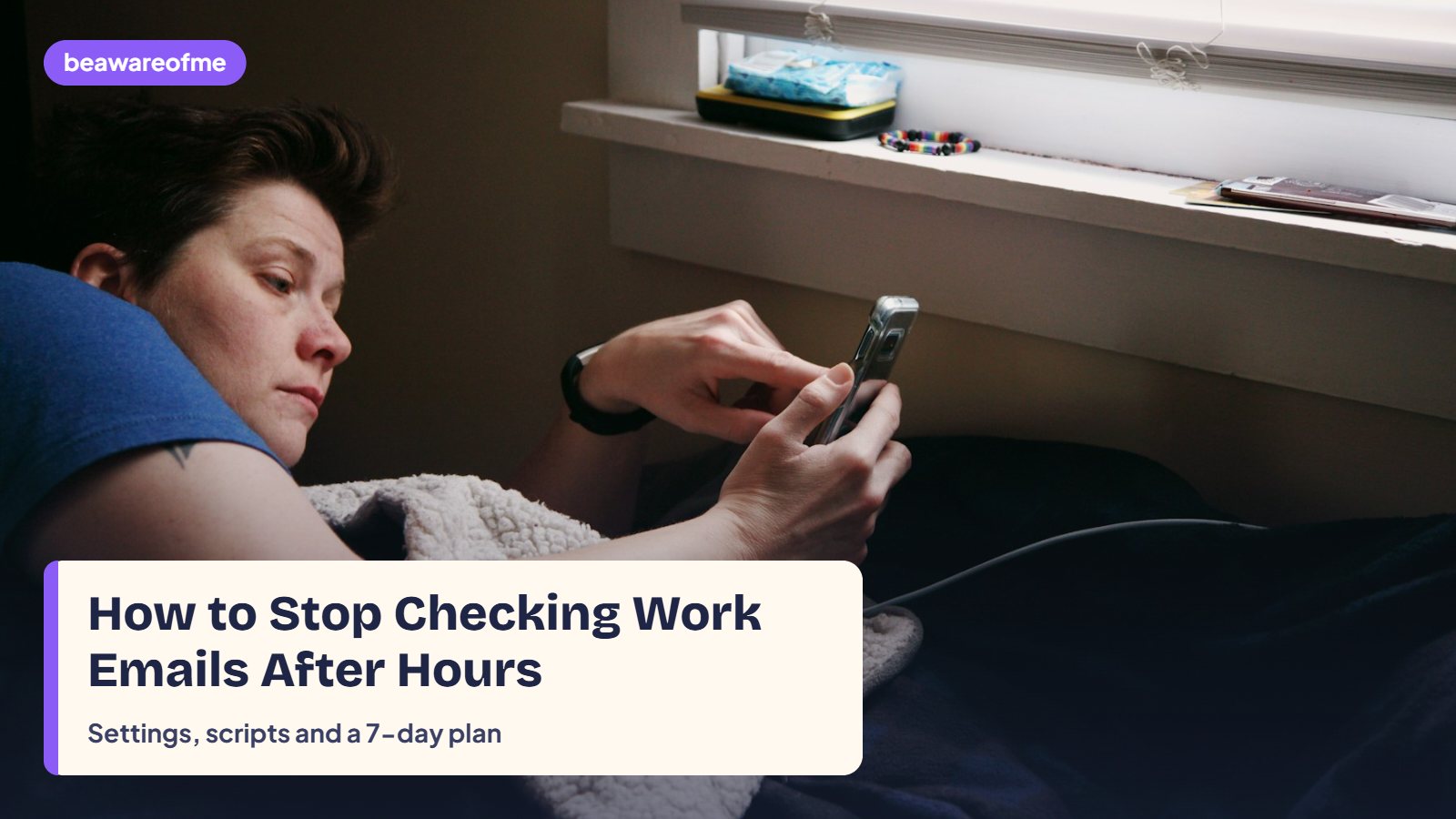
Learning how to stop checking work emails after hours is less about willpower and more about removing the tiny moments where checking happens on autopilot. You pick up your phone to check the weather, see the red badge, and suddenly you’re rewriting a reply in your head while dinner goes cold. This guide gives you a three-layer plan (settings, signals, scripts), exact wording to tell your manager and colleagues, a safe “one check” rule for jobs that genuinely need you, and a 7-day plan to make it stick.
- The habit runs on cues: a badge, a buzz, an app on your home screen. Remove the cues and most of the checking stops.
- Telling people when you reply removes the fear that someone is waiting on you.
- A one-line email signature does a lot of the boundary work for you, every single message.
- If your role needs evening cover, one planned check at a set time is far better than twenty unplanned ones.
- Build the change over seven evenings instead of trying to go cold turkey tonight.
Want to know how strong your work boundaries are right now? The free Are Your Boundaries Healthy? check takes a minute and points you to the layer that will help most.
Why you keep checking work email at night (it’s not a willpower problem)
This section explains why the after-hours check is so hard to stop, because once you see how it works, the fix becomes obvious. Checking email is a loop: a cue (a notification, boredom, a quiet moment), a quick action (open the app), and a small reward (relief that nothing is on fire, or the hit of something new). Loops like that run on autopilot. Trying to resist them by force every evening is exhausting, which is why most people give up by Wednesday.
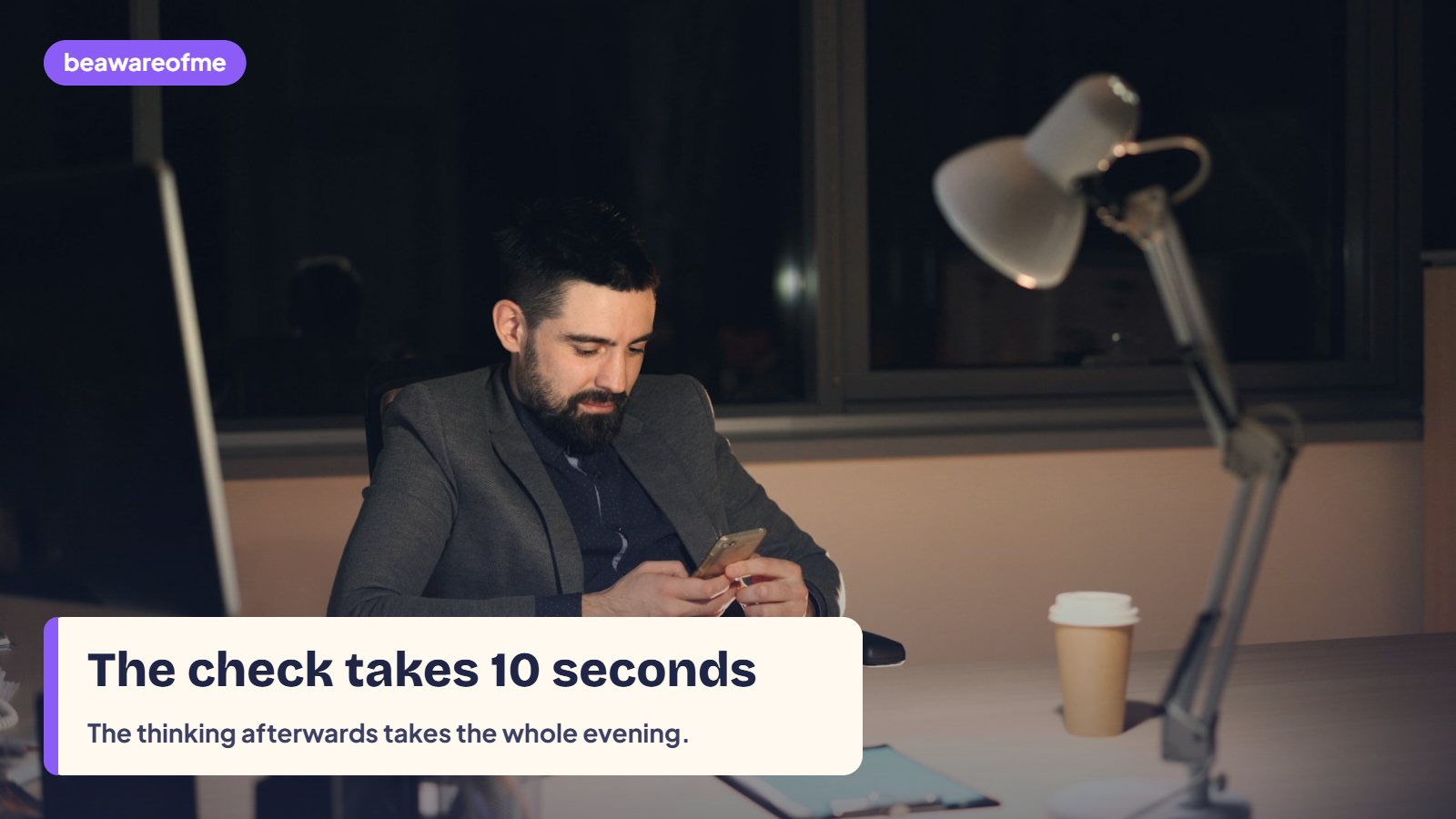
There’s a second driver too: worry. Many people check because not knowing feels worse than knowing. “What if my manager needs something? What if I miss something important?” The check soothes that worry for a minute, then often creates a new one, because now you’ve read a message you can’t deal with until tomorrow. The American Psychological Association names setting limits like not checking email at home in the evening as one of the core ways to cope with stress at work, precisely because of that cycle.
It also helps to know that the evening check rarely changes anything. In most jobs, an email read at 9pm is acted on at 9am either way. What changes is how you feel in between: the message sits in your head all night instead of in your inbox. Seen that way, not checking isn’t neglecting work. It’s choosing to deal with it when you can actually do something about it, with a rested mind.
How to stop checking work emails after hours: the 3-layer plan
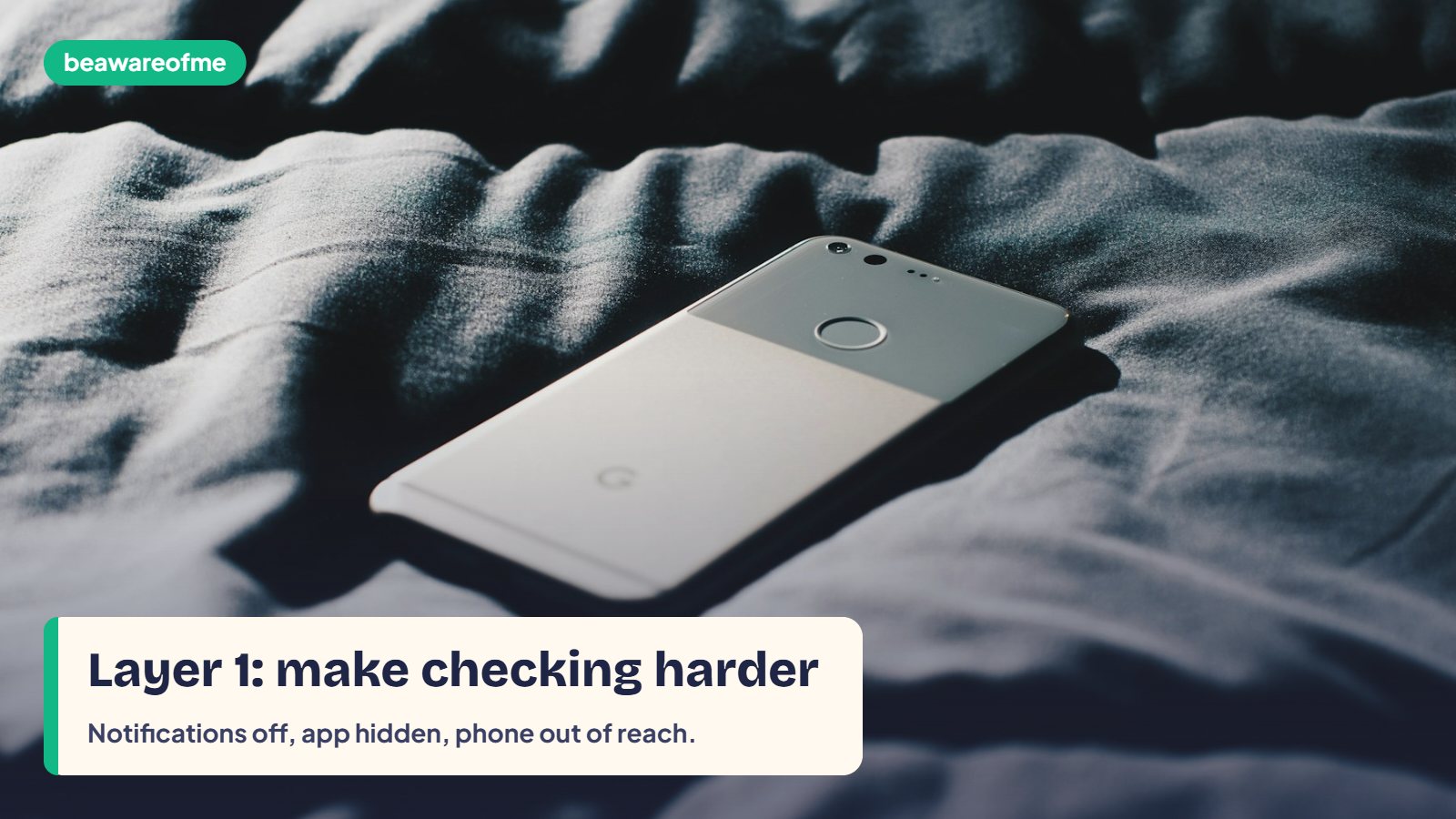
This section gives you the whole plan in one view. Each layer handles a different part of the habit: the cues, the expectations and the urge itself. You don’t need all of it on day one. Start with Layer 1 tonight; it does most of the work.
| Layer | What it fixes | What you do | Time to set up |
|---|---|---|---|
| 1. Settings | The cues that trigger checking | Notifications off, app off the home screen, scheduled Focus mode | 15 minutes, once |
| 2. Signals | The fear someone is waiting | Signature line, status, a quick word with your manager | 20 minutes, once |
| 3. Scripts and swaps | The urge in the moment | A replacement action and a sentence to tell yourself | Daily, for a week |
Layer 1: change your phone and laptop settings tonight
Settings beat willpower because they work while you’re tired. Do these once, and they protect every evening after.
Layer 2: tell people when you reply
This section covers expectations, because a lot of after-hours checking is really about fear of letting someone down. When people know when you reply, the pressure drops, for you and often for them.
Add a one-line signature
A short line under your name sets the expectation on every email you send. Pick one and adjust the hours:
Have one short conversation with your manager
You don’t need a big meeting. Ask a simple, practical question at a calm moment, so you know what “urgent” really means in your team.
Most managers say next morning is fine, and many are relieved to be asked. Once you have that answer, every late email becomes much less loaded. If the conversation feels hard, our guide to setting boundaries without guilt has more wording and a way to prepare.
Layer 3: give the urge somewhere else to go
This section is about the moment itself: you’re on the sofa, the urge to check arrives, and your thumb is already moving. You need something to do instead, not just something to stop.
The urge usually fades within a few minutes if you don’t feed it. If work thoughts keep looping anyway, the exercise in our guide on how to stop overthinking is built for exactly that. And if the checking is really about worry at bedtime, try the wind-down timeline in how to calm anxiety at night.
When your job really needs you: the one-check rule
This section is for the people who read the advice above and think “that won’t work in my job”. Some roles really do need evening cover: managers in other time zones, small-business owners, on-call staff. The answer isn’t zero checks. It’s planned checks.
| Your situation | What to do instead of constant checking |
|---|---|
| Occasional evening cover | One planned check at a set time (for example 8pm), five minutes, then close |
| Different time zones | Agree a short overlap window; outside it, use scheduled send so your replies land in their morning |
| Formal on-call rota | Check only on your on-call nights; on other nights, full Layer 1 settings |
| Running your own business | Set one evening check, an auto-reply with your hours, and a phone number for real emergencies |
| Big deadline week | A temporary exception with an end date, written down, then back to normal |
The one-check rule works because it turns a scattered habit into a small, contained task. You know when it happens, you know when it ends, and the rest of the evening is protected. Use scheduled send for anything you write at night, so your reply arrives in working hours and doesn’t teach people you’re always available.
A 7-day plan to stop checking work emails after hours
This section turns the three layers into a week. One small change per evening is easier to keep than a big overhaul, and by day seven most of the habit is gone.
Expect a bit of discomfort in the first few evenings. Many people notice a jittery “what am I missing?” feeling. That usually eases within a week, once your brain learns that nothing bad happens when you don’t look. If you want to go further with your phone in general, our guides to setting a phone bedtime and creating screen-free zones build on the same idea.
The calm morning start: what to do with the emails you didn’t check
This section solves the worry that keeps many people checking at night: “If I don’t look tonight, tomorrow morning will be a disaster.” In practice, an evening off only feels risky when your morning has no plan. Give the first 20 minutes of your workday a fixed shape and the overnight inbox stops being frightening.
After a week or two of this, most people notice something reassuring: the messages that arrived overnight were almost never urgent, and the ones that were urgent came with a phone call. That evidence does more to quiet the evening urge than any rule. It also helps to keep email to two or three set times during the day rather than leaving the inbox open constantly; the habit you build at your desk is the same habit that follows you home. The NHS advice on stress suggests breaking big tasks into smaller steps, and a cluttered inbox is a big task that becomes far lighter when it is split into these four short steps.
Common mistakes when trying to stop checking email at night
These are the traps that catch people who have already tried to stop once or twice.
1. Relying on willpower alone
Deciding “I won’t check tonight” with notifications still on is like deciding not to eat biscuits with an open packet on your lap. Change the settings first; then willpower only has to handle the rare leftover urge.
2. Replying at night “so I don’t forget”
Late replies train everyone to expect late replies, and they invite answers back at night. Write a note on paper, or draft and schedule the email for the morning instead.
3. Going cold turkey with no agreement
Suddenly going silent without telling anyone can create real problems and more anxiety. Have the short manager conversation first, so you know what genuinely counts as urgent.
4. Checking “just once” before bed
The last check of the day is the one most likely to keep you awake, because you read something you can’t act on until tomorrow. If you need a check, make it your planned one, earlier in the evening.
5. Forgetting the weekends
People often protect weeknights and then check all Sunday. Keep the same Focus schedule running across the weekend, and pair it with a short Sunday plan so Monday doesn’t feel like a cliff.
How to stop checking work emails after hours: FAQ
Is it bad to check work emails after hours?
Checking occasionally is not a problem for most people. It becomes a problem when it is constant, automatic or stressful, because it keeps the workday open in your head and makes it harder to rest and sleep. If you notice tension, worry or poor sleep linked to evening checking, it is worth setting clearer limits.
How do I stop feeling like I have to answer emails immediately?
Ask your manager what counts as urgent and how they would reach you, then add a short signature line stating your working hours. Once expectations are clear, the pressure to reply at once usually drops. Turning off notifications also helps, because you stop seeing every message the moment it arrives.
Can my employer expect me to answer emails after work?
It depends on your contract, your role and where you live, as rules on working hours and the right to disconnect differ between countries and employers. Check your contract and staff handbook, and ask your manager or HR what is expected. For legal questions, an employment adviser is the right person to ask.
How do I tell my boss I won’t check email after hours?
Frame it around doing your best work and ask a practical question rather than announcing a rule. For example: “I’d like to switch off properly in the evenings so I’m sharper during the day. If something is truly urgent after hours, what’s the best way to reach me?” Most managers respond well to that.
What should I do if I can’t stop thinking about work emails at night?
Write the thought on paper with tomorrow’s first step, then close the notepad. Use a short breathing exercise or a ten-minute absorbing activity to shift your attention. If work thoughts keep you awake most nights, look at workload and support, and talk to a doctor or mental-health professional.
How do I turn off work email notifications on my phone?
Open your phone’s settings, go to notifications, find your work email app and switch off banners, sounds and badges. You can also use a scheduled Focus or Do Not Disturb mode that silences work apps during your off hours. Many email apps also have their own setting to pause notifications outside working times.
Bottom line
The simplest way to learn how to stop checking work emails after hours is to stop relying on willpower: change the settings tonight, tell people when you reply, and give the urge somewhere else to go. Start with Day 1 of the 7-day plan this evening. For more support, browse our workplace stress articles, read our core guide to workplace stress management, and try our 20-minute routine to decompress after work.