



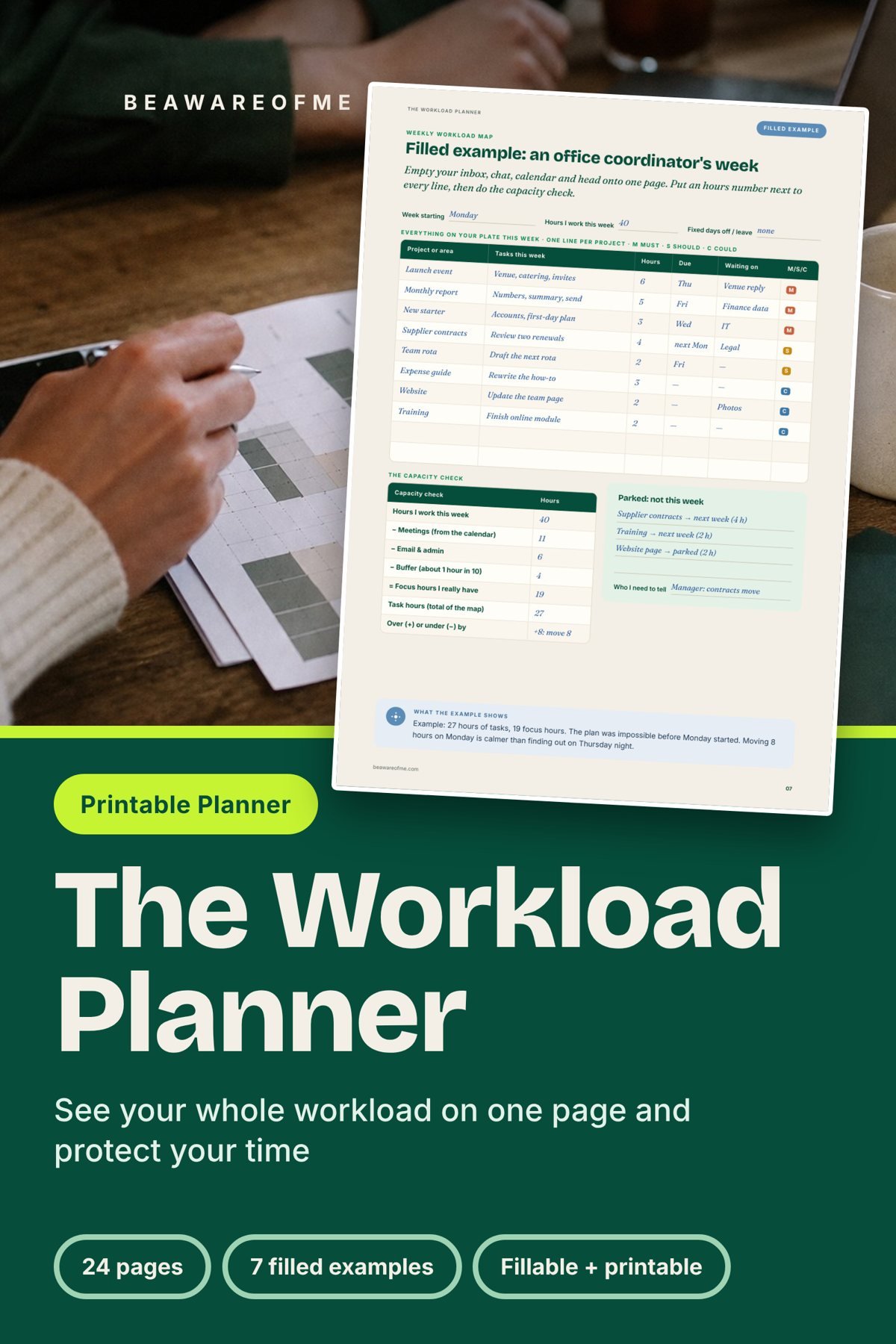
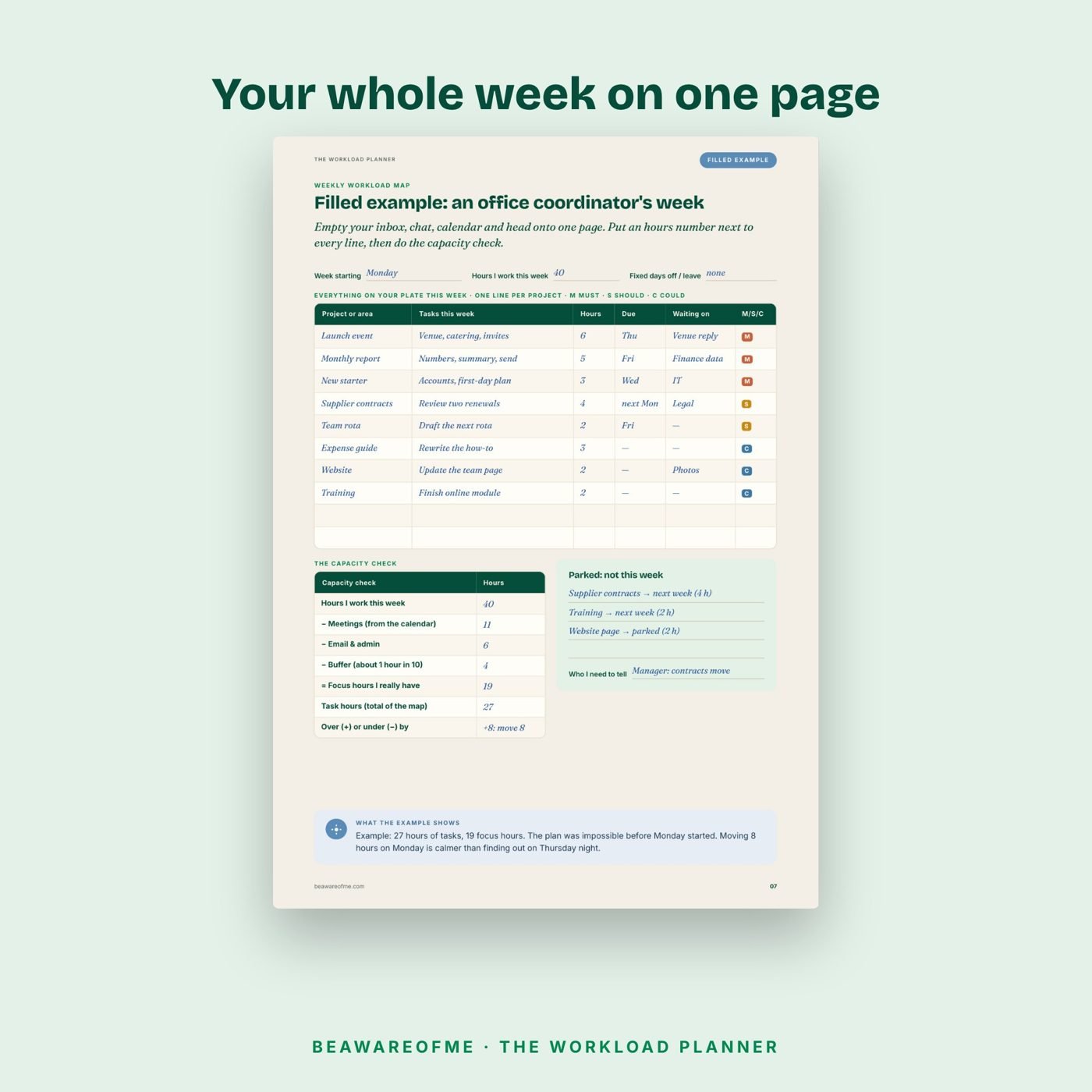
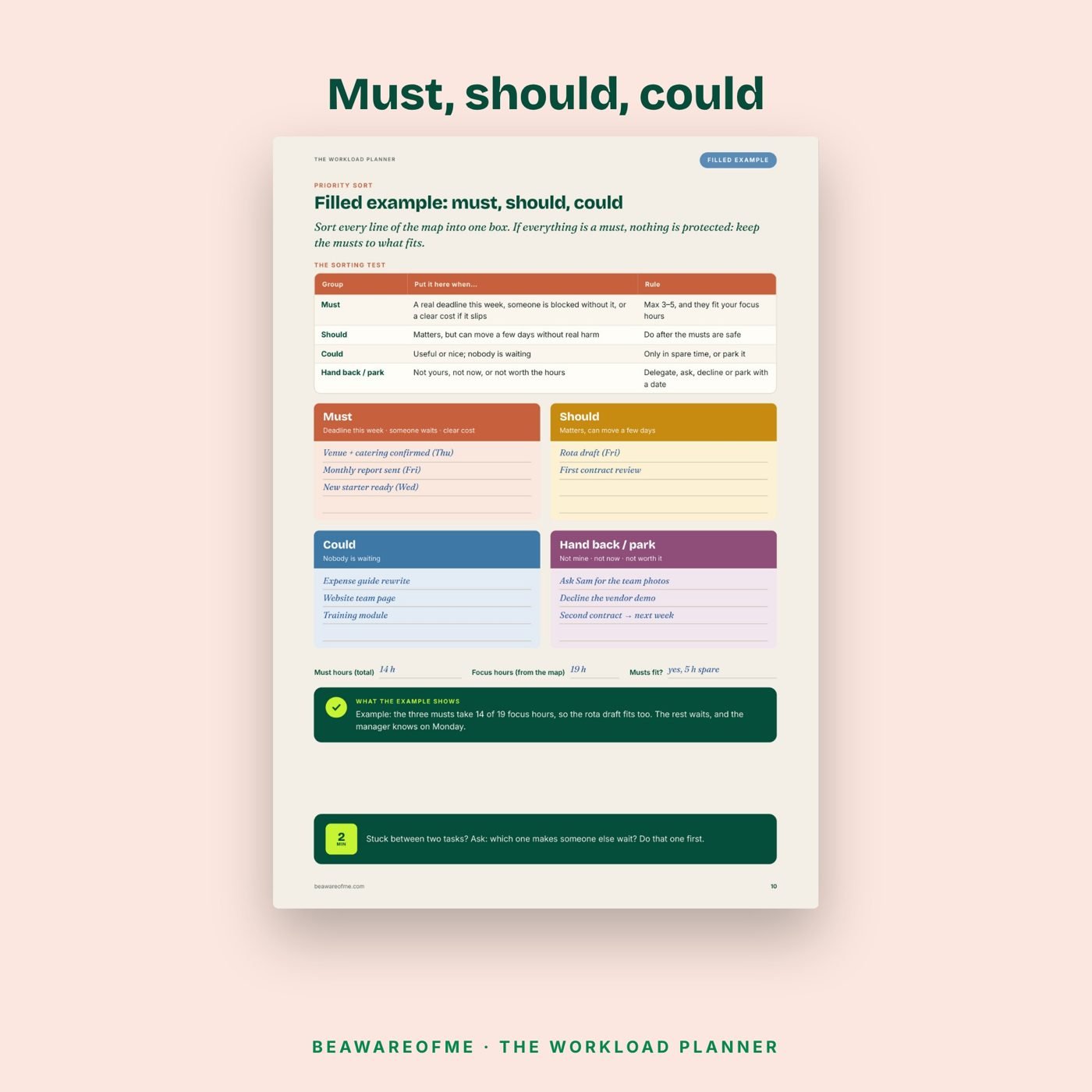
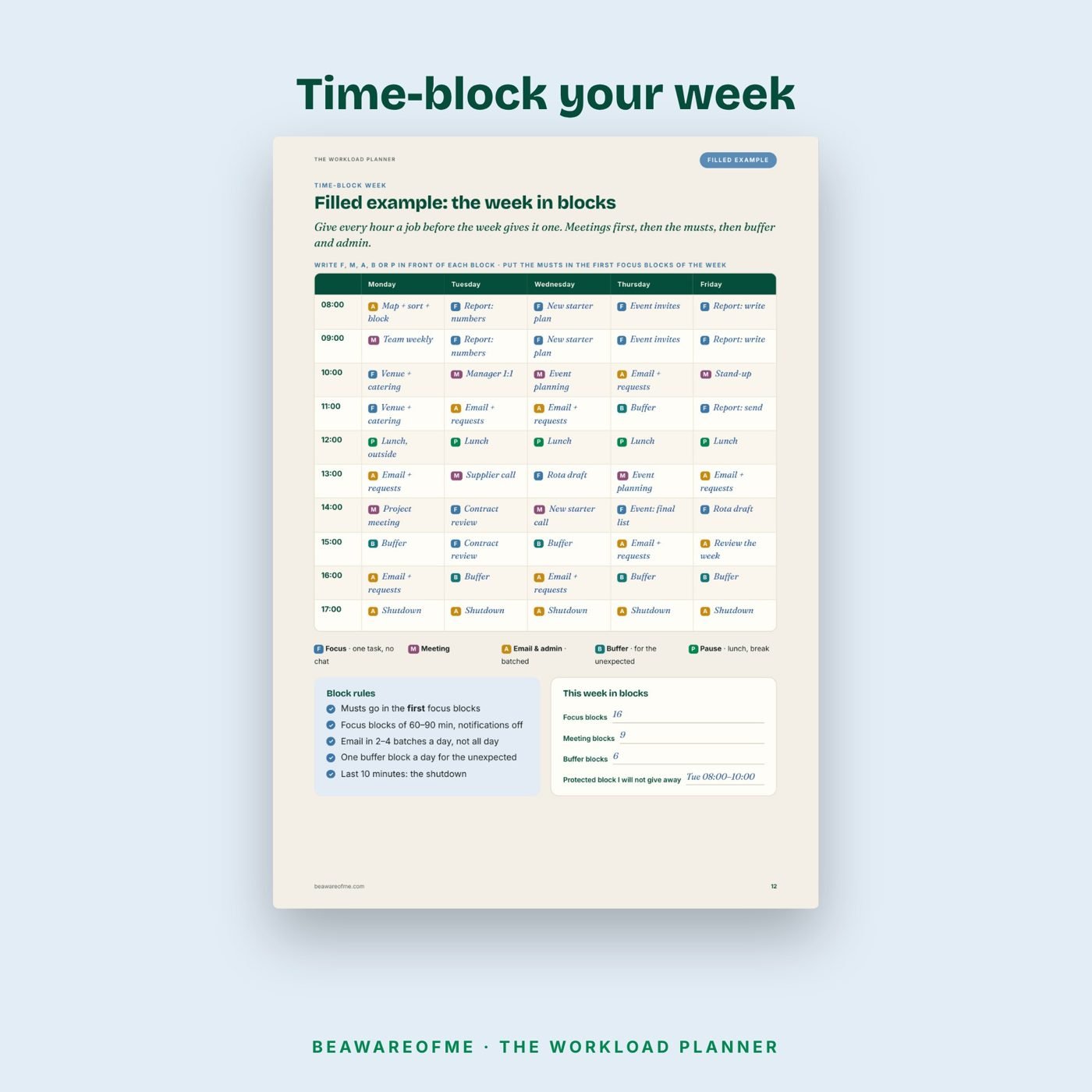
When work lives in five places (inbox, chat, calendar, notebook and your head), you cannot see how much there is, so every request feels possible and every week runs over. This planner puts the whole week on one page and adds the step most to-do lists skip: counting the hours. You compare the work against the time you really have, sort it into must, should and could, block the week, cut the meetings that do not need you and close each day with a 10-minute shutdown. Every page comes with a filled example first.
Who it is for
- Office, hybrid and remote workers juggling several projects at once
- Team leads and coordinators whose calendar fills before the work starts
- Anyone who works late “just this week”, every week
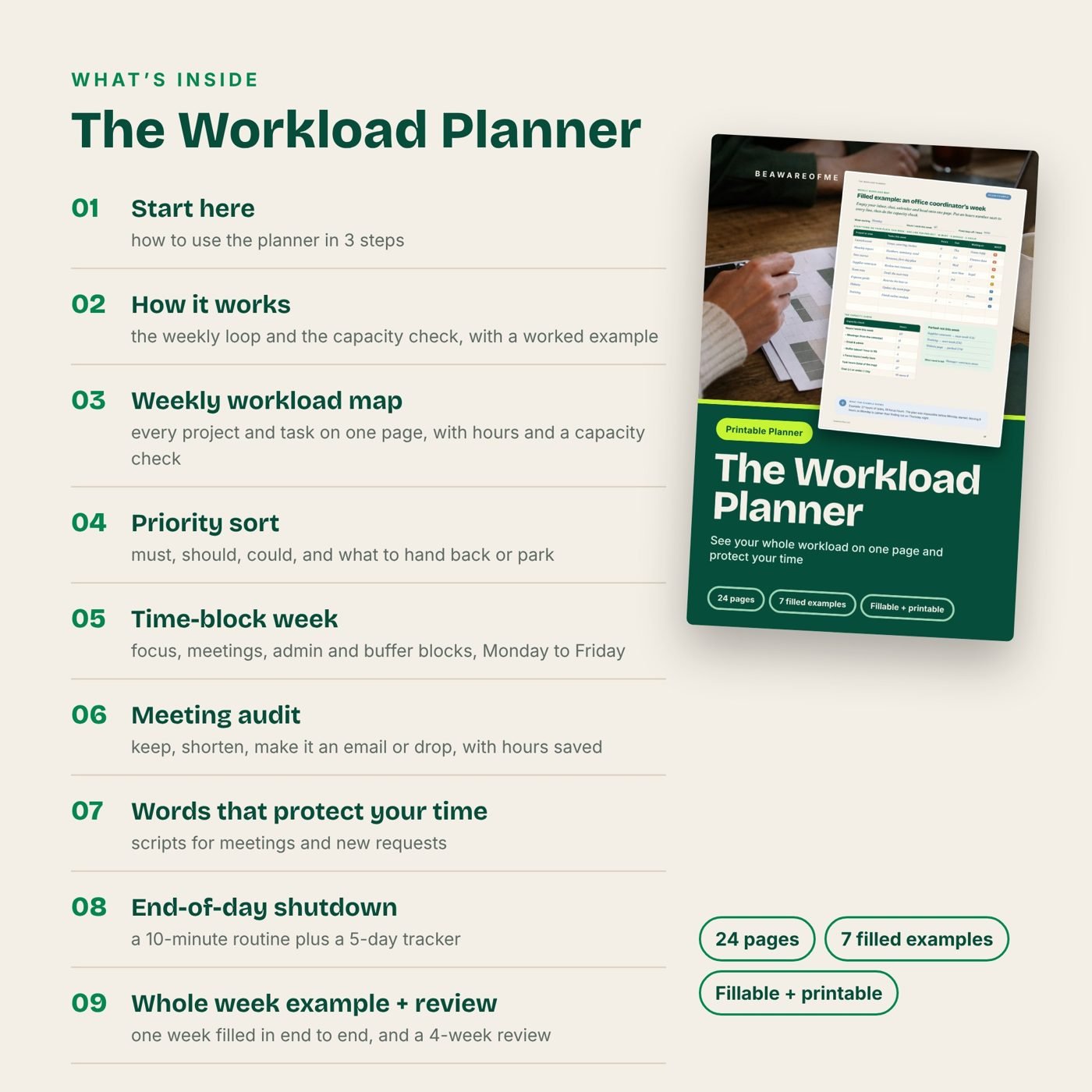
What is inside
- Start here — how to use the planner in 3 steps
- How it works — the weekly loop and the capacity check, with a worked example
- Weekly workload map — every project and task on one page, with hours and a capacity check
- Priority sort — must, should, could, and what to hand back or park
- Time-block week — focus, meetings, admin and buffer blocks, Monday to Friday
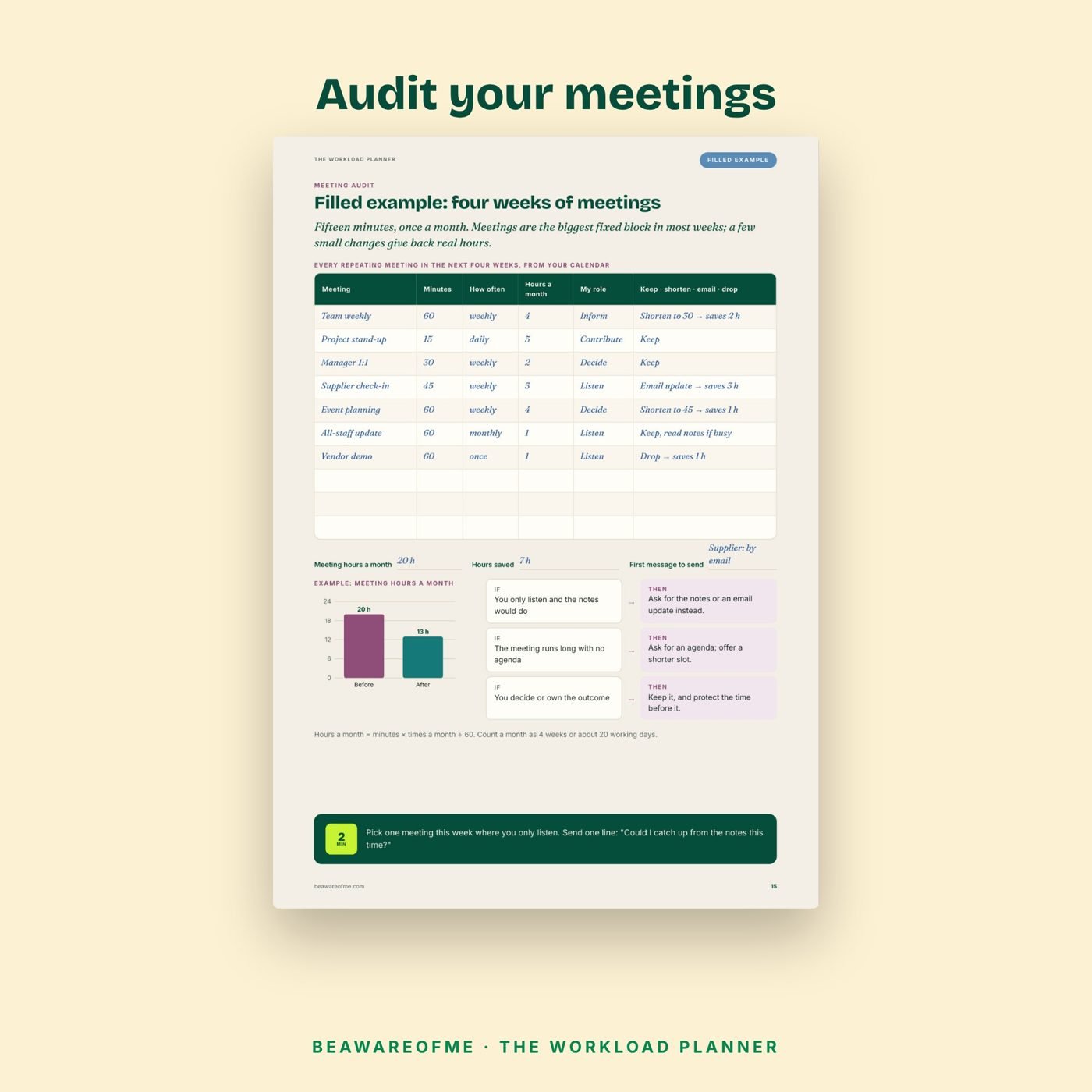
- Meeting audit — keep, shorten, make it an email or drop, with hours saved
- Words that protect your time — scripts for meetings and new requests
- End-of-day shutdown — a 10-minute routine plus a 5-day tracker
- Whole week example + review — one week filled in end to end, and a 4-week review
How to use it in 3 steps
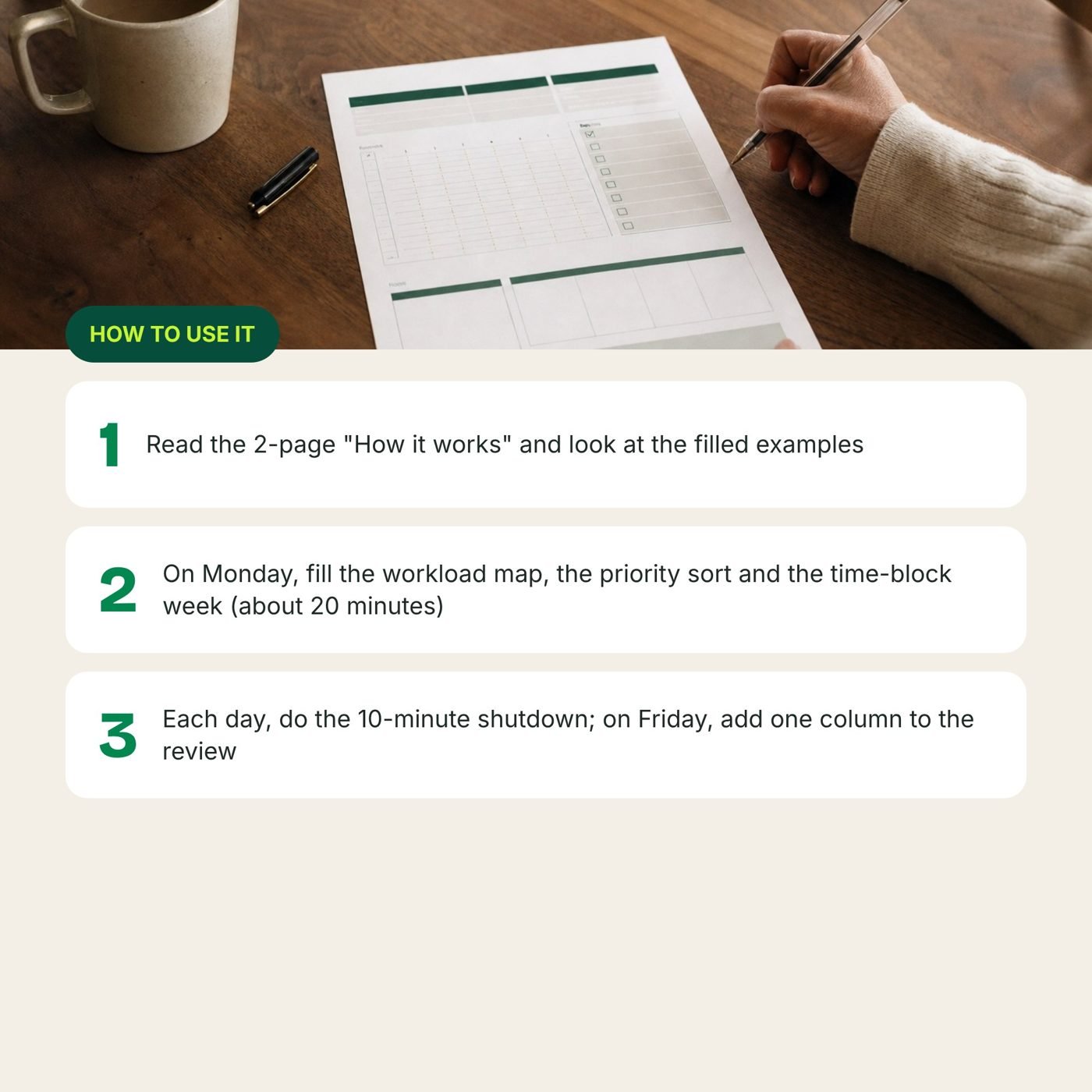
- Read the 2-page “How it works” and look at the filled examples
- On Monday, fill the workload map, the priority sort and the time-block week (about 20 minutes)
- Each day, do the 10-minute shutdown; on Friday, add one column to the review
Formats and devices
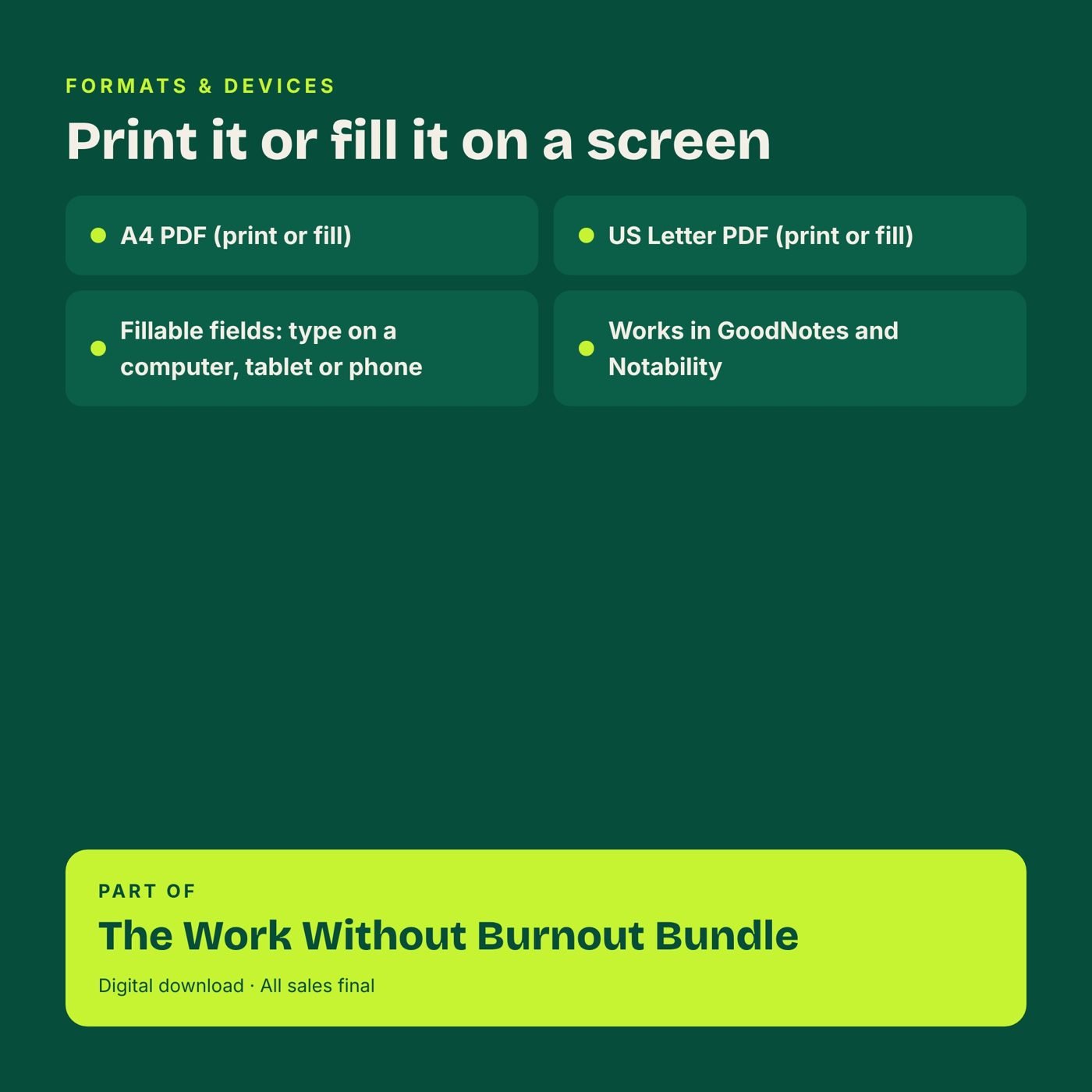
- A4 PDF (print or fill)
- US Letter PDF (print or fill)
- Fillable fields: type on a computer, tablet or phone
- Works in GoodNotes and Notability
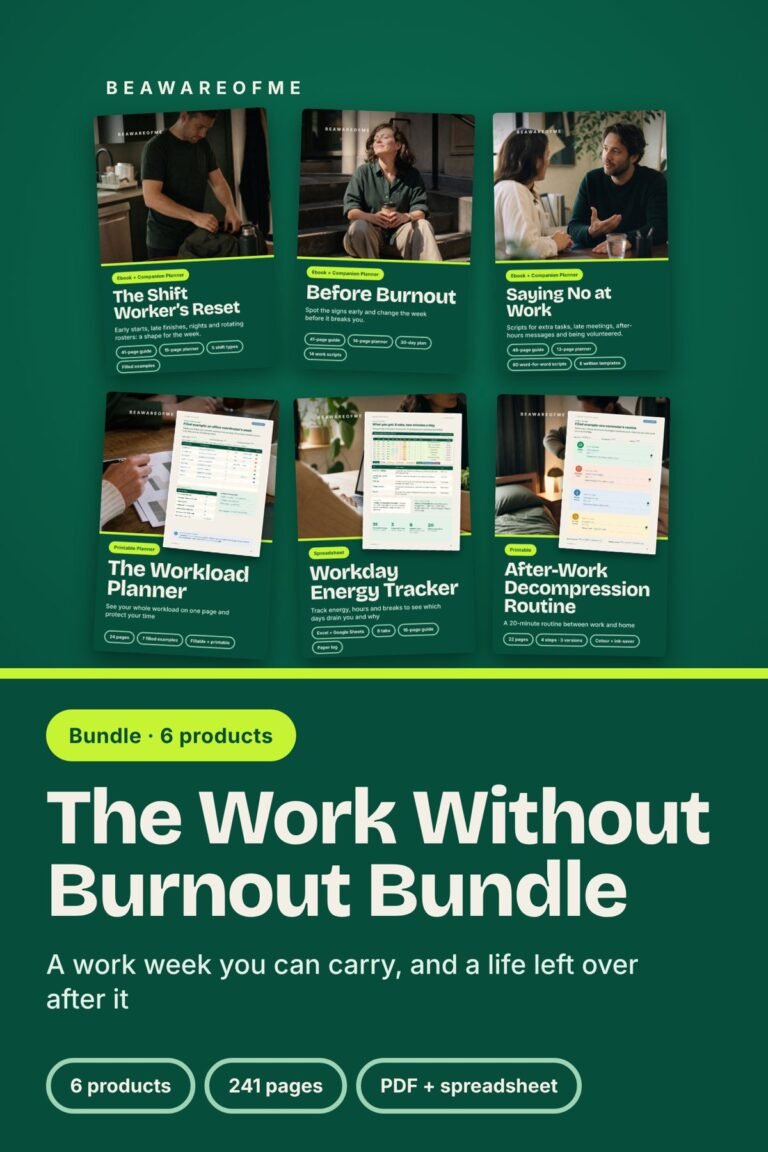
Part of The Work Without Burnout Bundle → https://beawareofme.com/the-work-without-burnout-bundle/
Digital download · All sales final