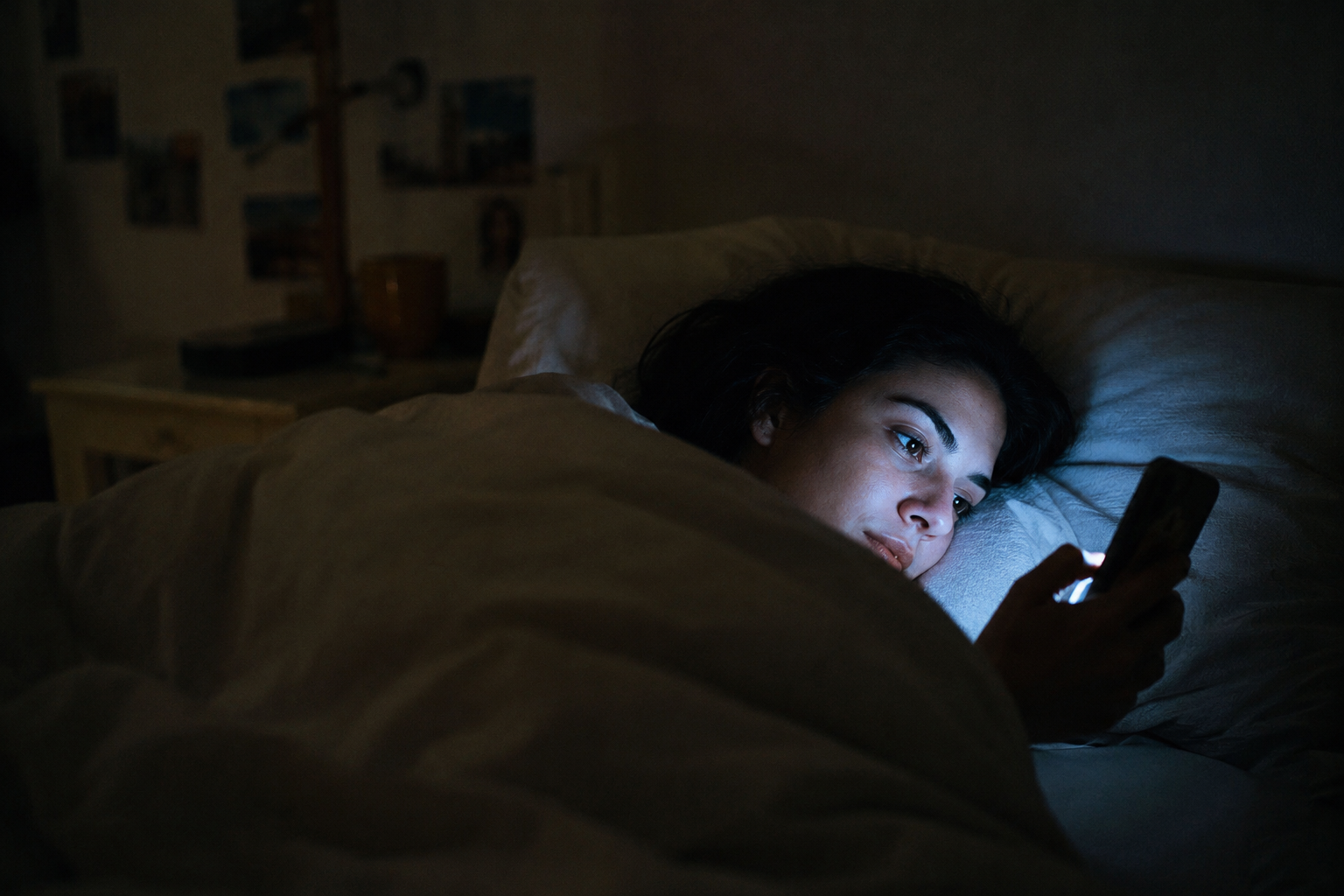
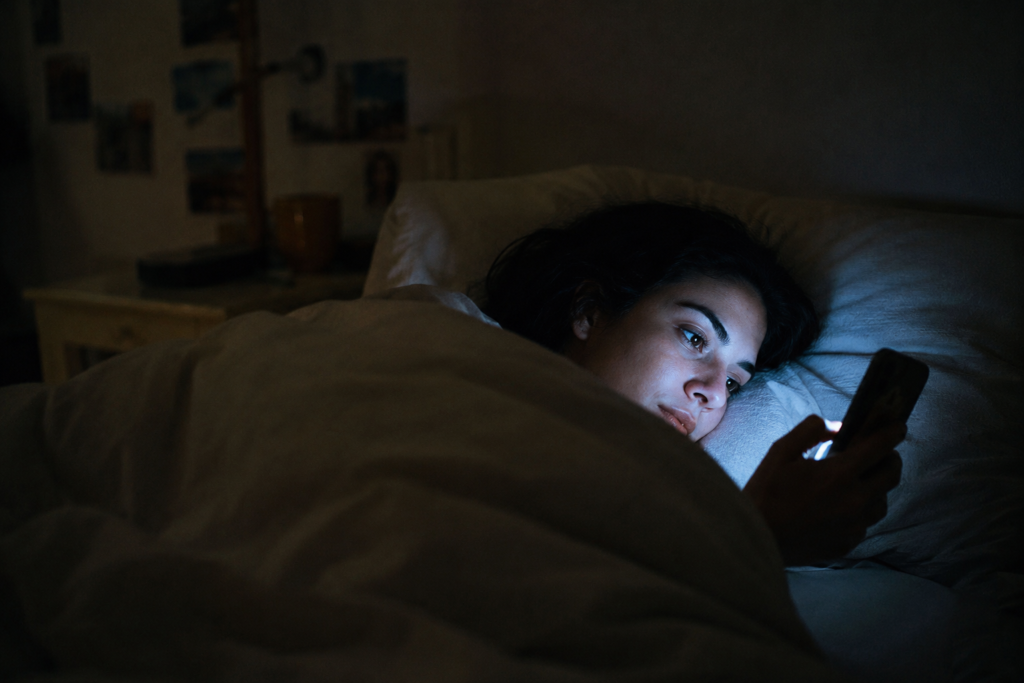
It’s 11:47 p.m., you opened your phone to check one thing, and forty minutes later you’re deep in a feed of disasters, feeling worse with every swipe — and still swiping. If you want to know how to stop doomscrolling, the first thing to understand is that you’re not weak-willed; you’re up against software engineered to keep you there and a brain wired to prioritize threats. This guide breaks down why the scroll grips you, what it’s costing you, and a practical system to take your evenings back.

Understanding why it happens doesn't make it stop.
You can know exactly what your nervous system is doing at 3 a.m. and still be awake at 3 a.m. Reading is where it starts. The Calm Reset Bundle is the part where you do something about it.
See the bundle →To stop doomscrolling, work with your brain instead of against it: interrupt the scroll with a physical action (stand up, put the phone in another room), add friction so the scroll never starts (apps off the home screen, phone out of the bedroom), and replace endless feeds with two or three scheduled news check-ins a day. Willpower alone loses to infinite scroll — design beats discipline.
Key takeaways
The system in five lines, before you scroll past it.
- Doomscrolling isn’t a willpower failure — it’s your threat-scanning brain meeting apps engineered to never let you finish.
- Interrupt with your body, not your resolve: stand up, move rooms, put the phone down somewhere else — physical breaks beat mental promises.
- Friction is your best friend: every extra step between you and the feed (logged out, off the home screen, out of the bedroom) cuts sessions dramatically.
- Replace, don’t just remove. A scroll habit with nothing in its place always comes back — the reclaimed minutes need a destination.
- Check news on a schedule you set, two or three times a day, from sources you chose — informed without the spiral.
- The bedtime scroll is the one to break first. It hits sleep, and sleep hits everything else.
Why you can’t stop doomscrolling (it’s not weak willpower)
Doomscrolling — compulsively consuming feed after feed of negative news — persists because two powerful forces are stacked against you. The first is ancient: negativity bias. Your brain evolved to weight threats far more heavily than good news, because the ancestor who ignored the rustle in the grass didn’t become an ancestor. Bad news reads to your nervous system as survival-relevant information, so a feed full of crises feels less like entertainment and more like something you’re obligated to monitor. That’s why closing the app can feel almost irresponsible mid-crisis — your threat system genuinely believes staring at the fire is keeping you safe.
The second force is modern and deliberate. Infinite scroll removed every natural stopping point — no last page, no “you’re all caught up” that means it. Variable rewards keep the slot-machine pull alive: most swipes are noise, but occasionally something fascinating or horrifying lands, and unpredictable rewards are precisely the schedule that builds the strongest habits. Add algorithms that learn your fears and serve more of whatever you can’t look away from, and you get an environment where a tired human brain at midnight never stood a fair chance.
This reframe matters practically, not just emotionally. If the problem were weak character, the fix would be trying harder — and you’ve already tried harder. Since the problem is a stacked environment, the fix is changing the environment. Everything that follows is built on that principle.
What doomscrolling does to your mind and body
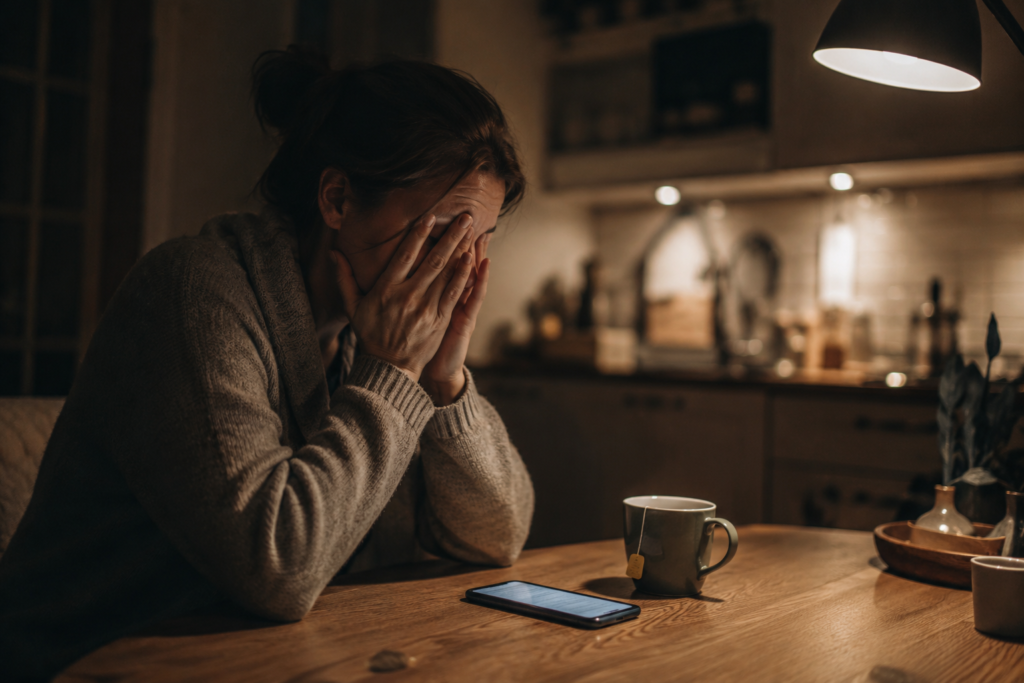
The cost of doomscrolling isn’t hypothetical — researchers have started measuring it. A survey study of about 1,100 U.S. adults published in the journal Health Communication found that roughly one in six showed signs of what the researchers called severely problematic news consumption — absorbed in news, preoccupied with it, checking compulsively to soothe distress — and that group reported significantly worse mental and physical wellbeing than everyone else. The researchers describe a vicious cycle: the distress the news creates drives more checking to relieve it, which creates more distress. If that loop sounds familiar, you’re reading the right article.
Separate research during the pandemic pointed the same direction — a daily-tracking study found that heavier media exposure was associated with worse depression and post-traumatic stress symptoms over the following weeks, even after accounting for people’s pre-existing mental health. Worth holding honestly: much of this research is correlational, so it can’t fully untangle whether doomscrolling worsens distress or distressed people scroll more. Most likely, both — which is exactly what a vicious cycle means, and why breaking it from the behavior side works.
Most of what you read this week will be gone by Thursday.
That isn't a discipline problem. It's what happens to information you never write down. Beat Information Overload is a free 35-page workbook that turns reading into something that stays.
Get the free workbook No cost · unsubscribe in one clickThen there’s sleep, the quietest casualty. The bedtime scroll delivers alarming content and bright light at the exact hour your body is trying to power down, and the anxious, wired feeling that follows is one of the most common reasons people lie awake at midnight with a racing mind. If that’s your pattern, our guide to calming an anxious mind at night picks up where this one leaves off.
How to stop doomscrolling in the moment: the three-step interrupt
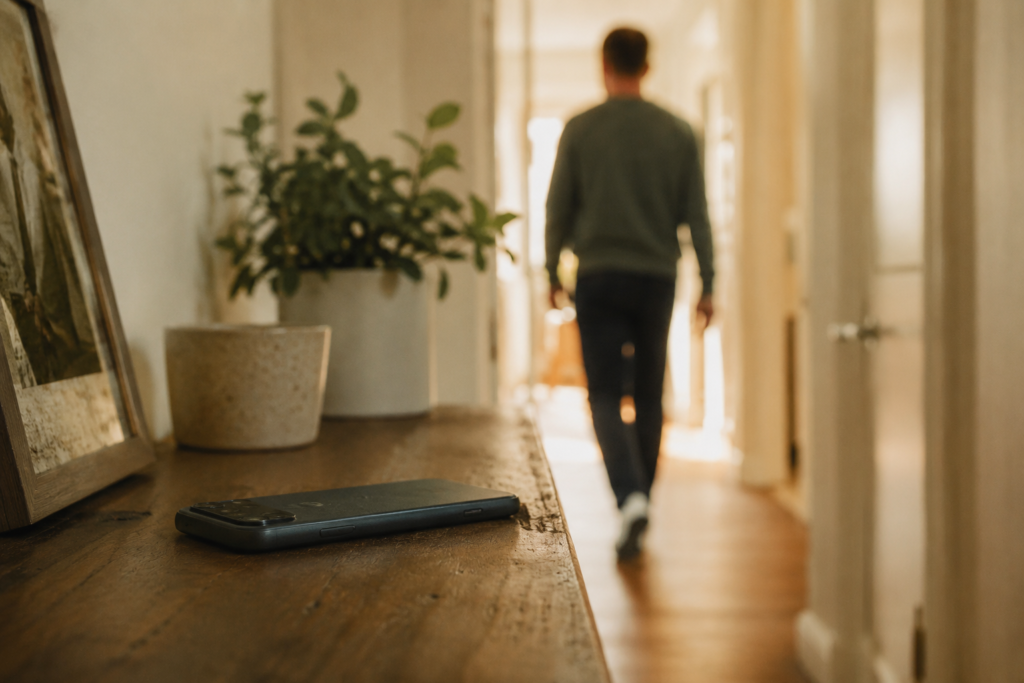
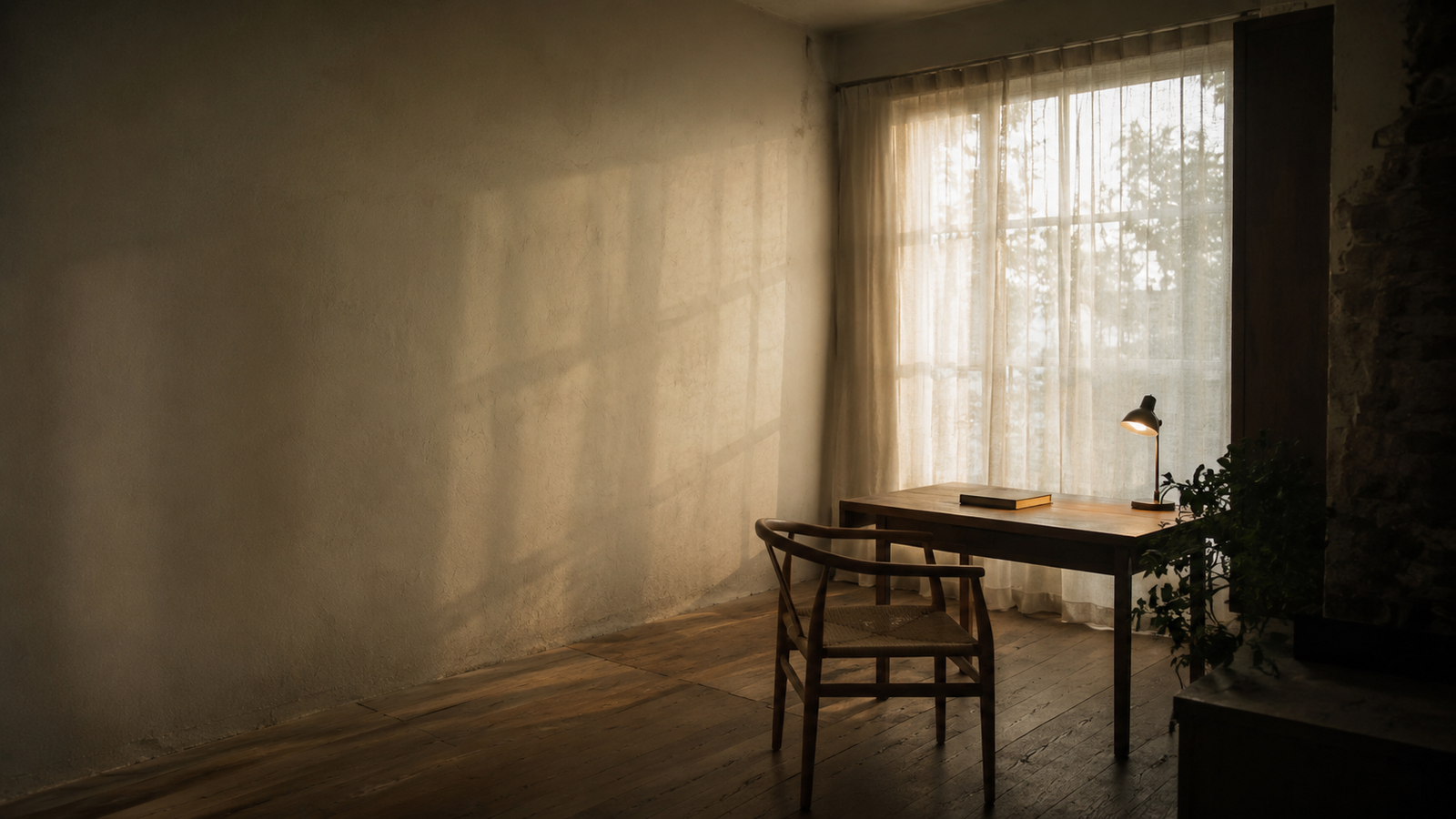
When you catch yourself mid-spiral, you need a move that works with a depleted brain — so the interrupt is physical, not mental. Promising yourself “five more minutes” is a negotiation you’ll lose. Step one: notice and name it. The moment you realize you’re doomscrolling, say it plainly: “I’m doomscrolling, and it’s making me feel worse.” Naming the behavior snaps you out of the trance state feeds are designed to create — you can’t autopilot and observe yourself at the same time. Step two: move your body before you decide anything. Stand up. Walk to another room. Put the phone down on a surface that isn’t within arm’s reach. The decision to stop gets a hundred times easier once the phone is physically out of your hand — momentum is the feed’s weapon, so break the momentum first and negotiate second. Step three: give the next five minutes a destination. Drink a glass of water. Step outside. Stretch. Text an actual human. The urge to resume fades fast when your attention lands somewhere real — and if your body is still buzzing with feed-induced alarm, a round of grounding settles it quickly.
Expect to use this interrupt many times, imperfectly. The win condition isn’t never scrolling; it’s shortening the sessions and reclaiming the exits. A forty-minute spiral caught at minute six is a massive victory, even though you still scrolled.
Redesign your phone so the scroll never starts
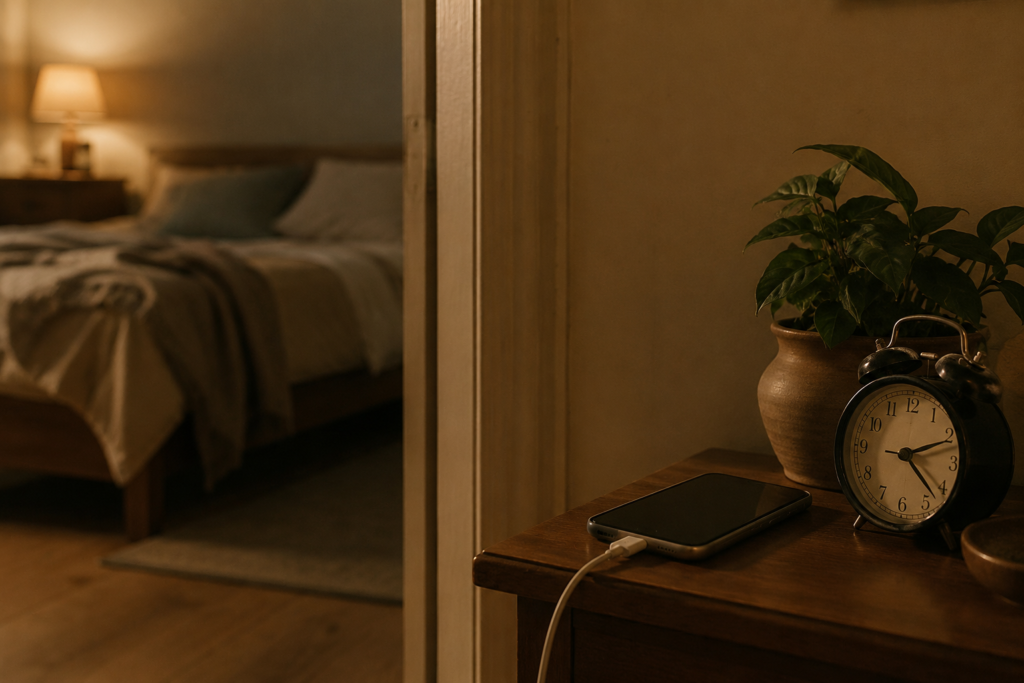
The highest-leverage work happens before the urge, because every added step between you and the feed drains its pull. Habits run on ease — the phone is right there, the app is right there, the feed loads in half a second. Friction reverses that math, and small amounts of it work absurdly well. Take feed apps off your home screen — bury them in a folder on the last page, or better, delete the apps and use the browser version: slower, clunkier, logged out. Log out after each use; a login screen is a tollbooth, and most late-night sessions die at the password prompt. Turn off every news and social notification — push alerts are the feed reaching out to start the session for you. Try grayscale in the evening; feeds are engineered in color, and in grayscale they’re remarkably boring. And the single biggest one: charge the phone outside the bedroom. A cheap alarm clock replaces the only legitimate excuse, and both the midnight spiral and the wake-up scroll die together.
Build a news diet that informs without the spiral

Quitting news entirely isn’t the goal — being deliberately informed instead of ambiently alarmed is. The difference comes down to pull versus push: you going to the news on your schedule, versus the news coming at you whenever an algorithm decides. A workable news diet has three parts. Scheduled check-ins: two or three fixed windows a day — say, mid-morning and early evening, ten to fifteen minutes each — and none within the hour before bed, when your defenses are lowest and the cost lands on your sleep. Between windows, you’re allowed to not know things for a few hours; the genuinely urgent will find you. Chosen sources, not feeds: pick one or two outlets you trust and go to them directly — a homepage or an email newsletter has an end, a feed doesn’t. A defined “enough”: before you open the tab, know what you’re checking for — “anything major today, plus that one story I’m following.” When you’ve got it, you’re done. Without a finish line, every session defaults to the feed’s finish line, which is never.
Understanding why it happens doesn't make it stop.
You can know exactly what your nervous system is doing at 3 a.m. and still be awake at 3 a.m. Reading is where it starts. The Calm Reset Bundle is the part where you do something about it.
See the bundle →What to do with the time you get back

Here’s the step most advice skips, and the reason most attempts fail: a habit removed leaves a vacuum, and vacuums refill with the old habit. Doomscrolling was doing jobs for you — filling boredom, discharging restlessness, providing a feeling of control during uncertain times. If you don’t assign those jobs elsewhere, your thumb will reassign them by Friday.
So decide, concretely, where the reclaimed minutes go. The evening hour works best with a real wind-down sequence — dim lights, a paper book, tomorrow’s brain dump on paper. The anxious-energy moments respond well to anything physical: a walk, stretching, tidying one surface. The “I need to know what’s happening” itch is often better answered by writing than reading — unloading your own racing thoughts tends to quiet the urge to monitor the world’s. Our piece on journaling for anxiety has prompts built for exactly that, and there’s more on the wider topic in our technology and mental health section.
Drowning in feeds, tabs, and alerts?
We wrote a free guide for exactly this: Beat Information Overload — a practical, no-hype system for cutting the noise, calming your inputs, and getting your attention back. It pairs perfectly with this article.
Get the Free GuideCommon mistakes when you’re trying to stop doomscrolling
1. Relying on willpower in a rigged environment
Promising “I just won’t open it” while the app sits on your home screen, logged in, notifications on, is bringing a resolution to a slot-machine fight. Spend your effort on friction, not resolve — design decisions you make once beat discipline you must summon hourly.
2. Quitting the scroll without replacing it
The habit was filling real needs. Remove it with nothing in its place and the vacuum wins within days. Choose the replacement before you cut the habit, and make it easier to start than the scroll: book already on the nightstand, shoes already by the door.
3. The “one last check” before bed
The most expensive scroll of the day, because it taxes your sleep — and short sleep makes tomorrow’s brain more anxious and less able to resist, feeding the loop. If you protect only one window, protect the last hour of the night.

4. Swapping one feed for another
Deleting the news app and doubling your time on short-video apps isn’t recovery, it’s relocation. The problem was never one app; it’s the infinite-feed format. Apply the same friction rules to every bottomless scroll you own.
5. Treating one relapse as total failure
You’ll have a bad night and lose an hour to the spiral — that’s a data point, not a verdict. All-or-nothing thinking is how a slip becomes a collapse. Notice what triggered it, adjust one thing, and carry on. Shorter and less often is winning.
FAQ: how to stop doomscrolling
What exactly is doomscrolling?
Doomscrolling is the compulsive habit of continuously scrolling through negative news and distressing content — long past the point of being informed, and usually while feeling worse with every swipe. The term went mainstream during the pandemic, but the behavior is built into the combination of a threat-sensitive brain and infinite feeds designed without stopping points.
Why do I doomscroll at night especially?
Night is the perfect storm: your self-control is depleted from the day, distractions are gone, you’re alone with your worries, and the phone is within arm’s reach. The feed offers something that feels like control during uncertainty. Unfortunately it delivers alarm plus bright light at the worst hour — which is why the bedroom is the first territory worth reclaiming.
Is doomscrolling an addiction?
Researchers generally describe it as problematic or compulsive use rather than a formal addiction diagnosis, but it shares the machinery: variable rewards, loss of control, continued use despite feeling worse, and relief-seeking that deepens the loop. The practical upshot is the same either way — environment changes and replacement habits work far better than willpower and self-blame.
How does doomscrolling affect sleep?
Twice over. The content stresses you — alarming stories fire up your threat system right when your body needs to power down — and the screen’s bright light suppresses melatonin, the hormone that makes you sleepy. The result is later nights and shallower sleep, and a tired brain scrolls harder the next day. Breaking the bedtime scroll pays off fastest.
How long does it take to stop doomscrolling?
The urge weakens noticeably within a couple of weeks once friction is in place — logged out, apps buried, phone out of the bedroom — because habits starve without easy repetition. Expect echoes during stressful news cycles; that’s normal, not failure. Judge progress by shorter sessions and easier exits, not by perfection.
How can I stay informed without doomscrolling?
Switch from push to pull: two or three scheduled check-ins a day, at times you chose, from one or two sources you trust — ideally a homepage or newsletter that ends, rather than a feed that doesn’t. Decide what “caught up” means before you open the tab, and close it when you get there. You’ll know more and feel less.
The bottom line on how to stop doomscrolling
How to stop doomscrolling comes down to a single honest admission: you can’t out-discipline an infinite feed, but you can out-design it — friction before the scroll, a physical interrupt during it, and a real replacement after it. Start tonight with the highest-leverage move on the list: the phone charges outside the bedroom. Then rebuild the evening it used to eat with our cornerstone guide to calming an anxious mind at night, and browse the rest of our technology and mental health guides.

Quiet the noise — without burning your phone in a field.
Get Beat Information Overload free, plus the occasional calm, no-hype note from me.